Beat to Beat.
Peer to Peer.
One shared music library for your whole DJ crew.
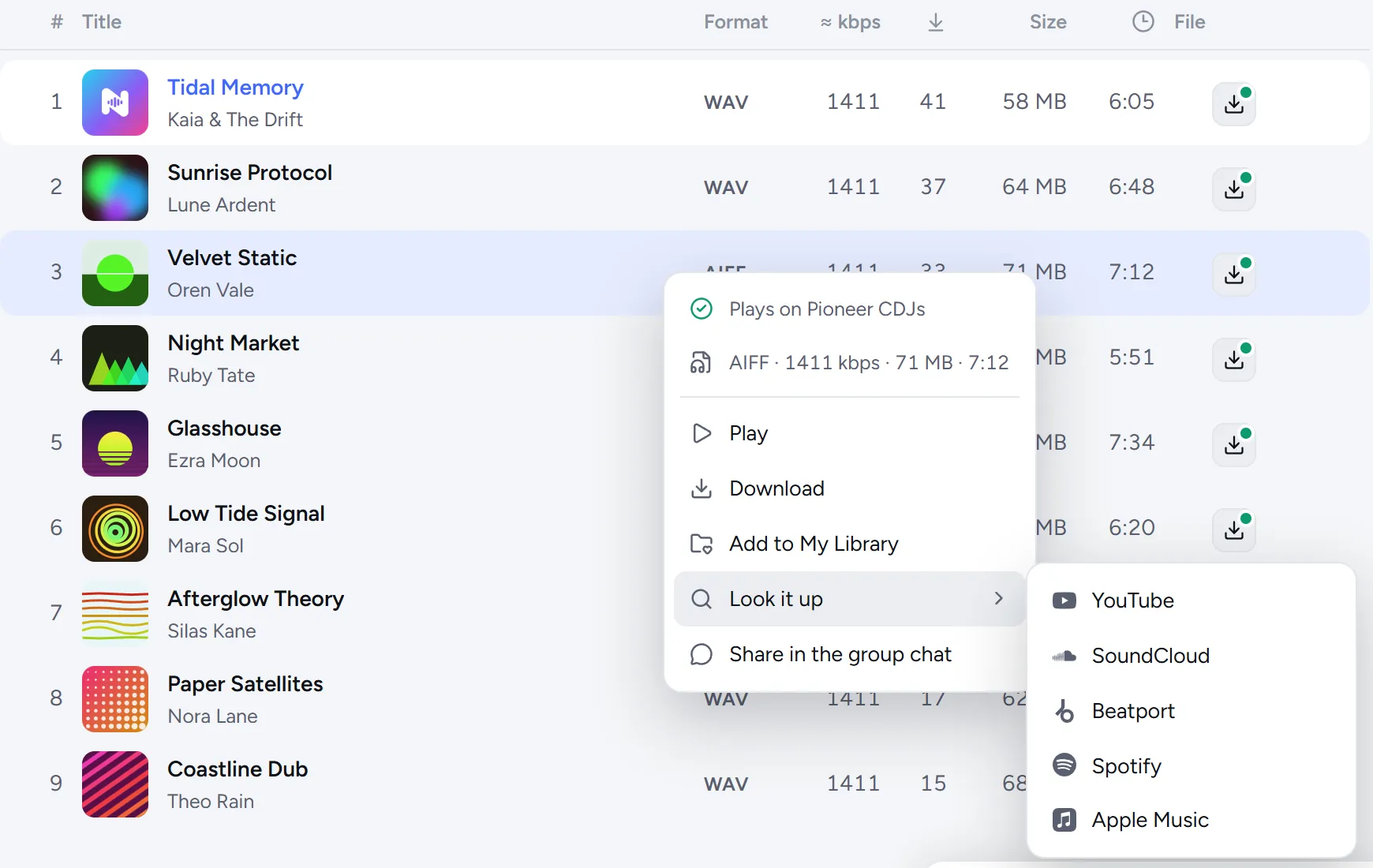
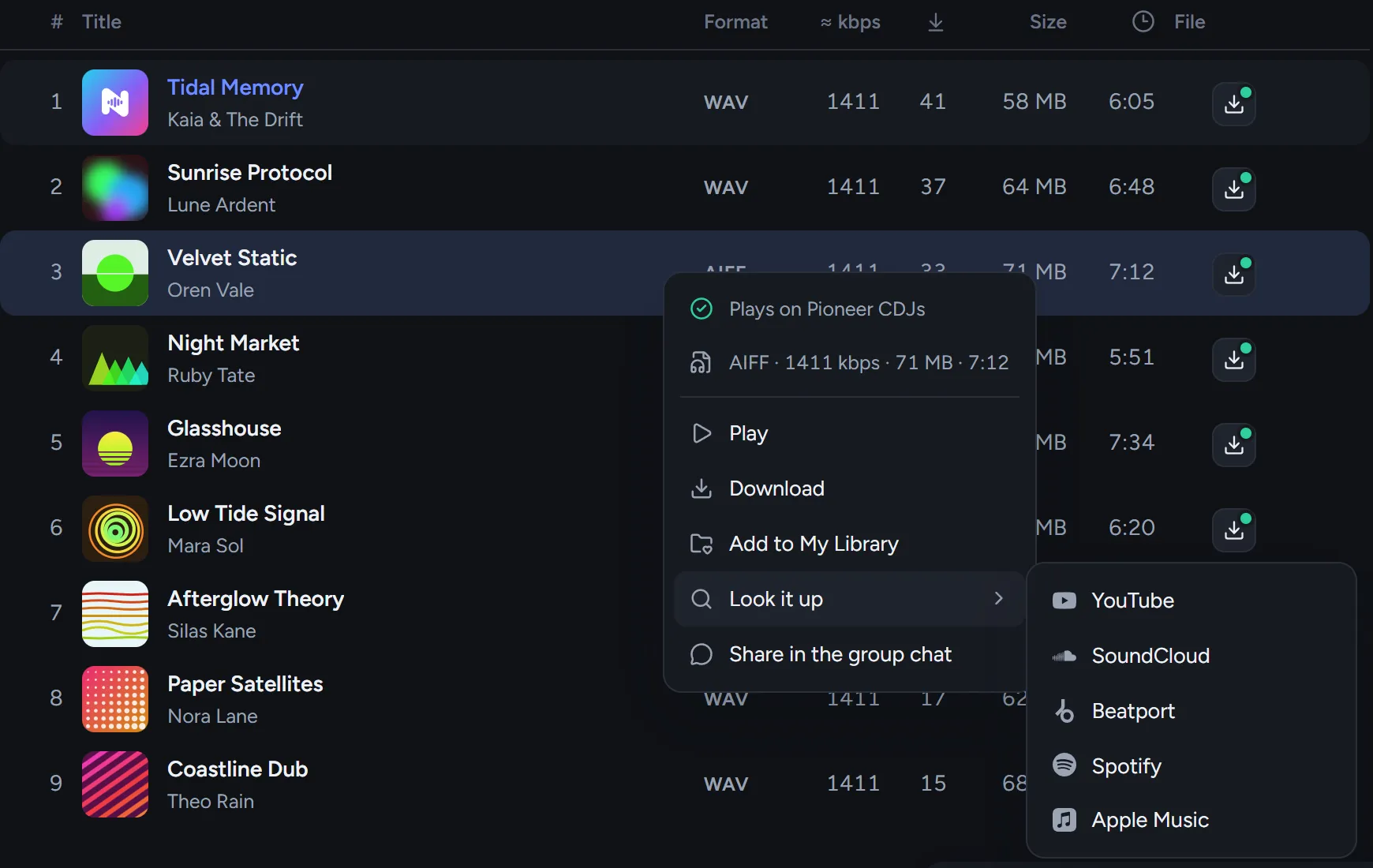
Songs go straight from computer to computer, and every track is checked for the CDJs before the gig.
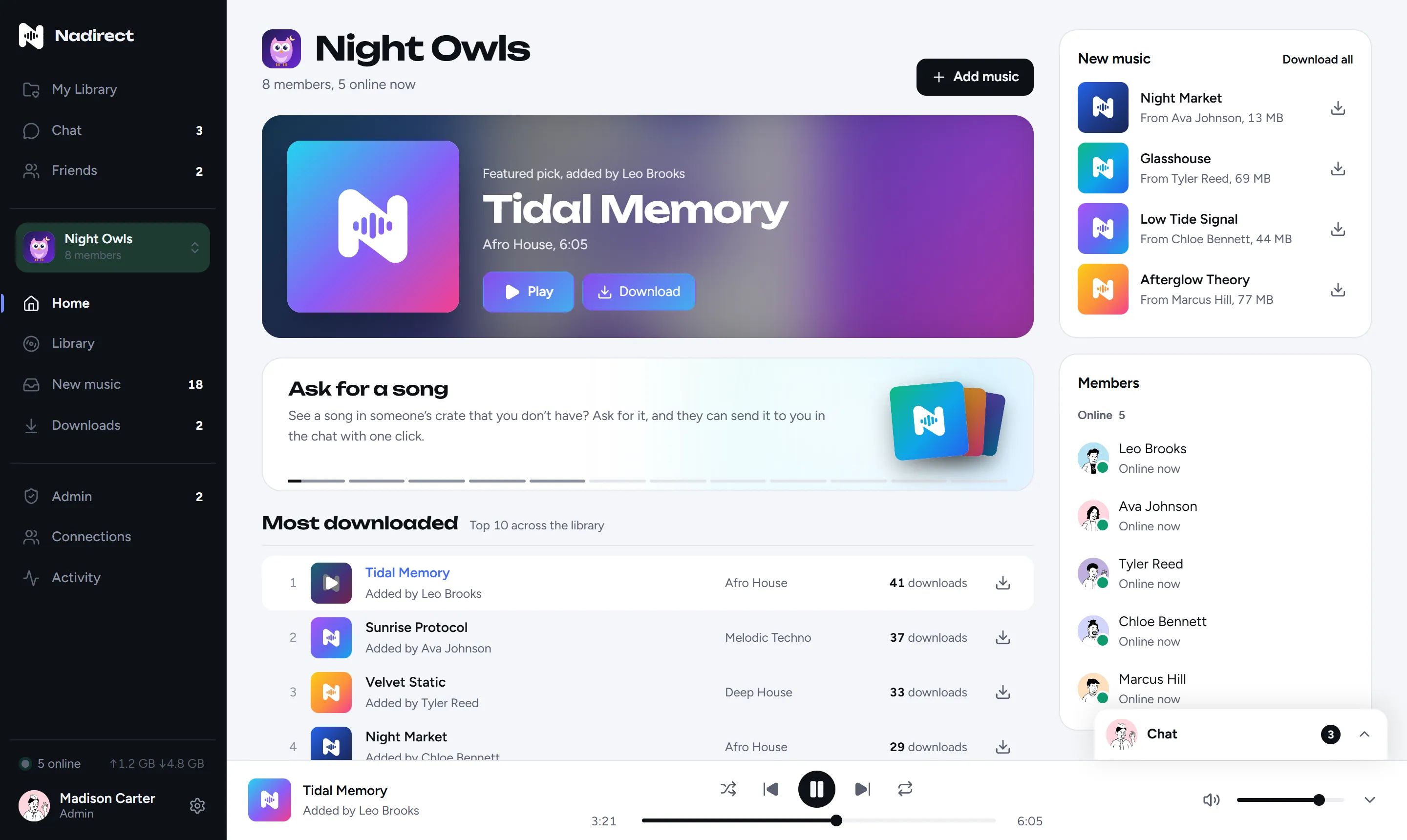
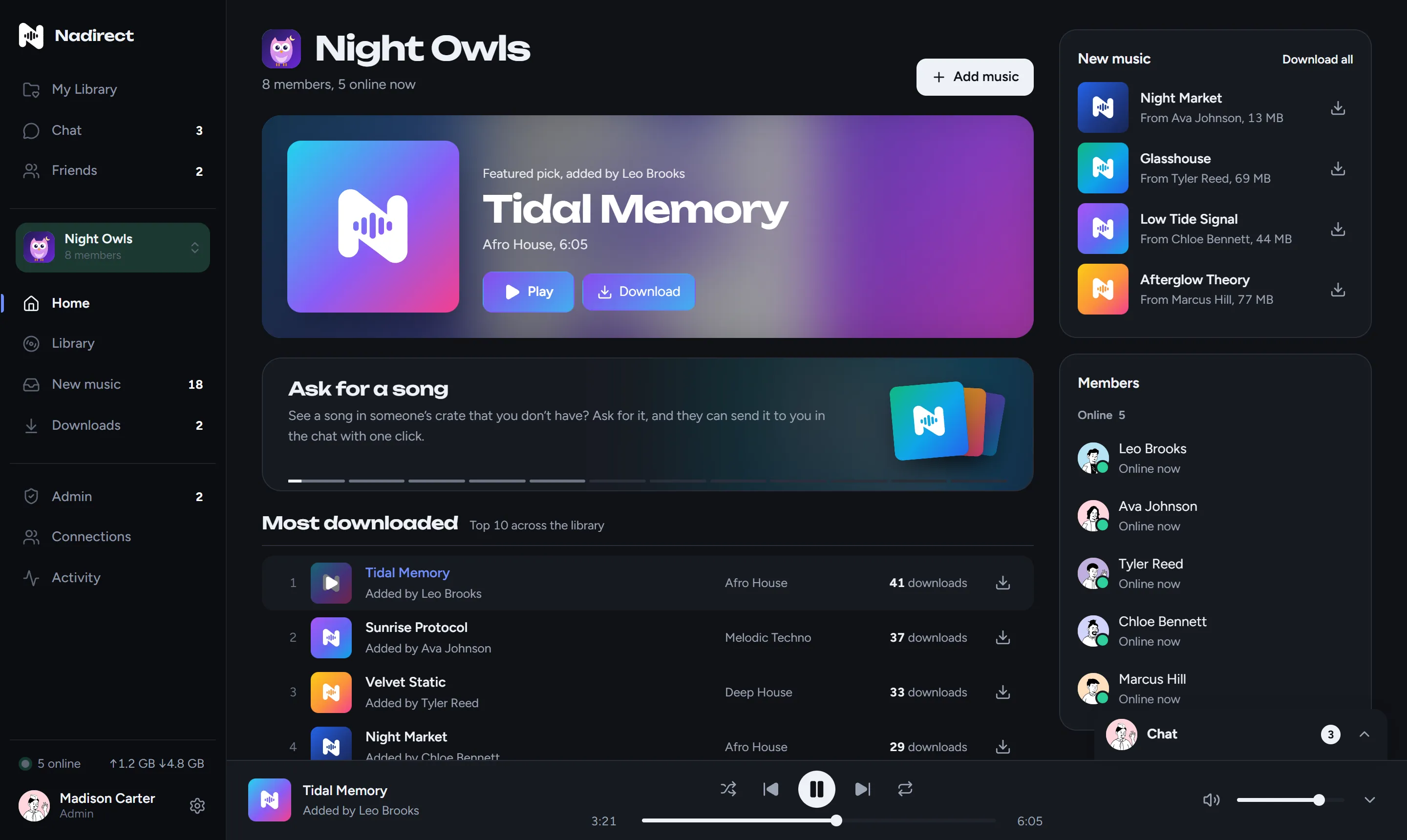
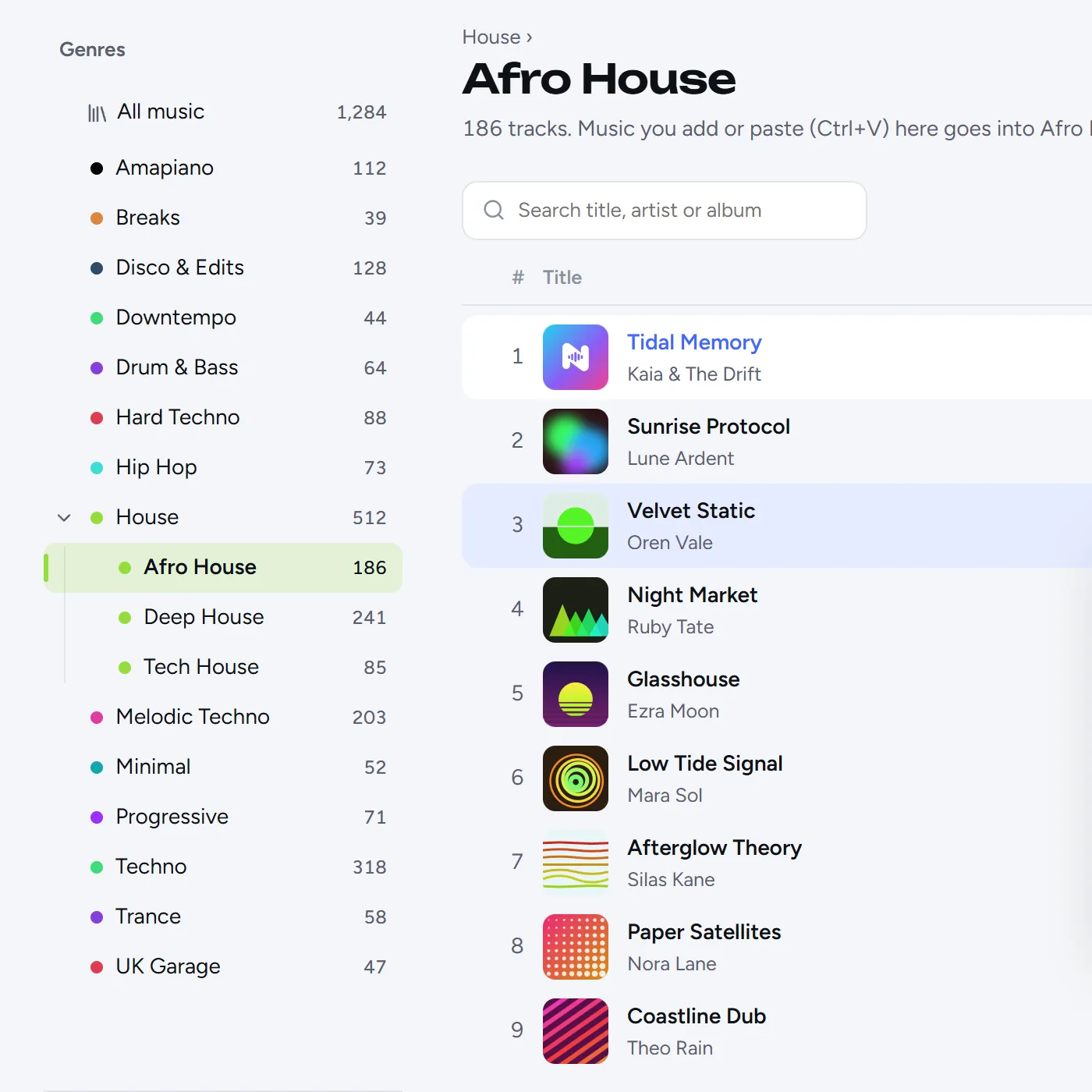
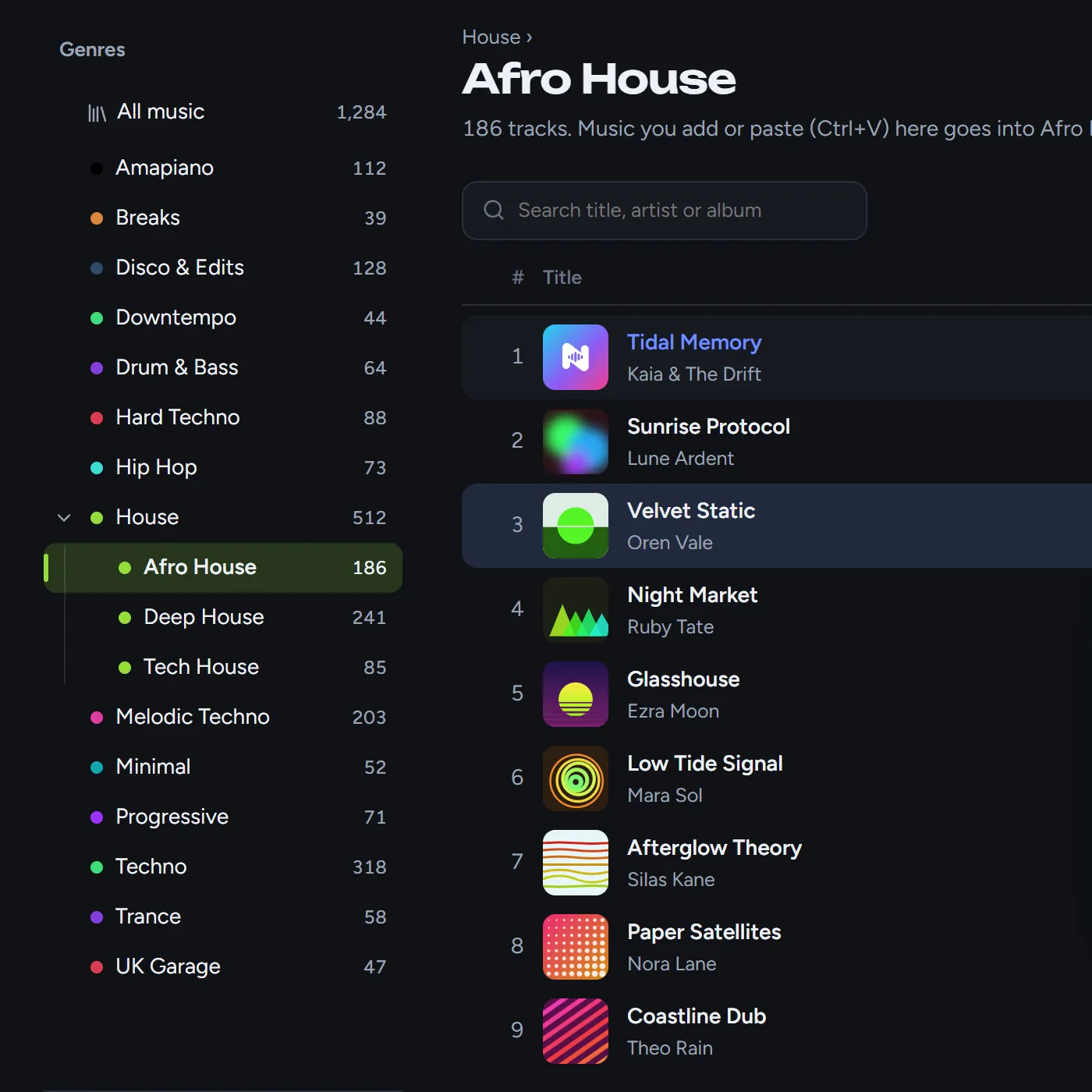
Every genre. Everyone’s music.
Your crew adds music into genres the admin sets up, nested as deep as you like. See what’s new, download what you want, or let a genre come in by itself.
No more E‑8305 at 1 a.m.
Every WAV is checked for what Pioneer CDJs refuse: 32-bit float, the header behind E‑8305, odd sample rates. One click makes a copy that plays, and your original stays untouched.
Straight to one person.
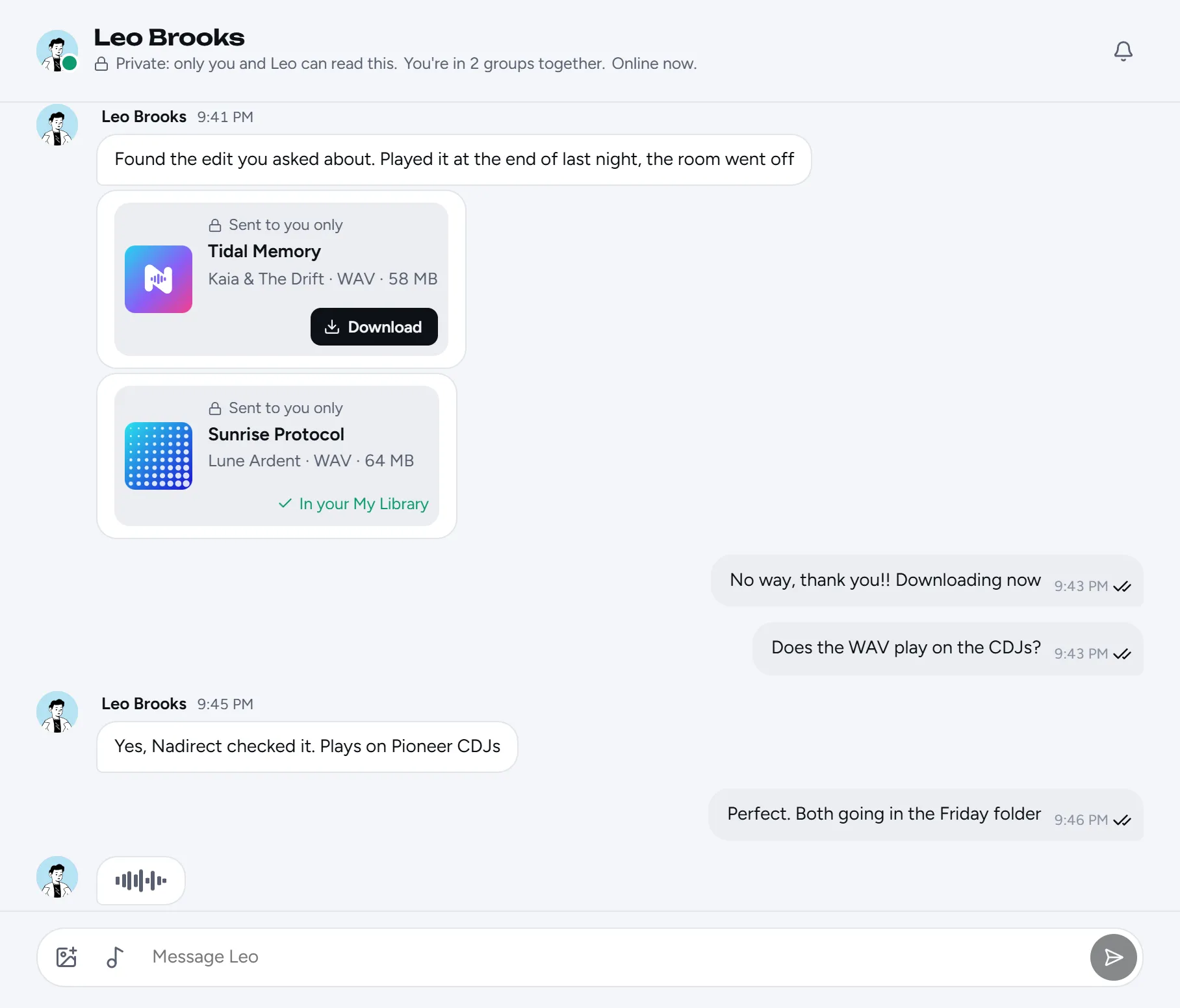
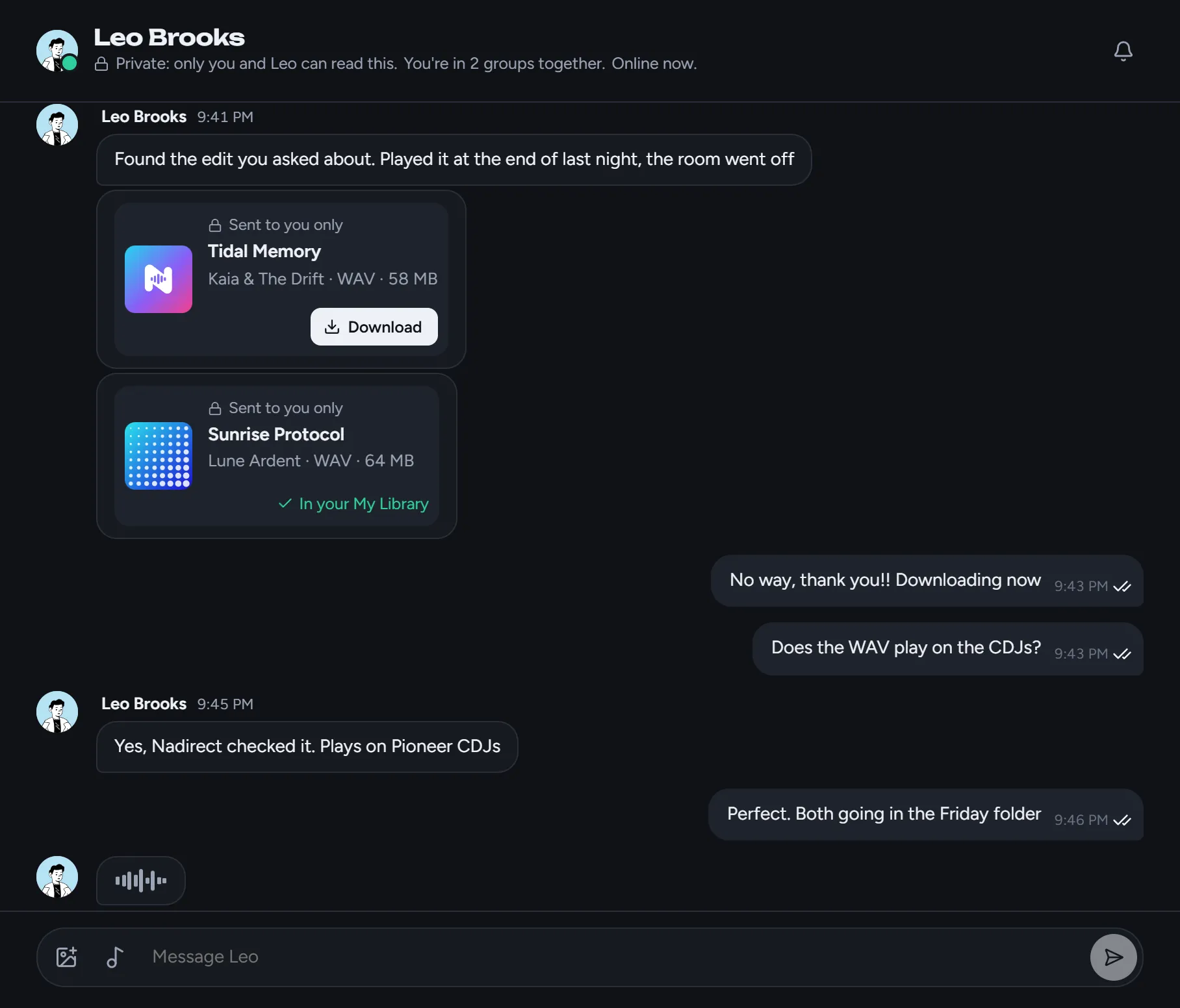
Right-click a song, or fifty, and choose Send to. They play it before downloading, and the cover comes along. See who’s online, who’s typing and who’s read it.
Your sound, your profile.
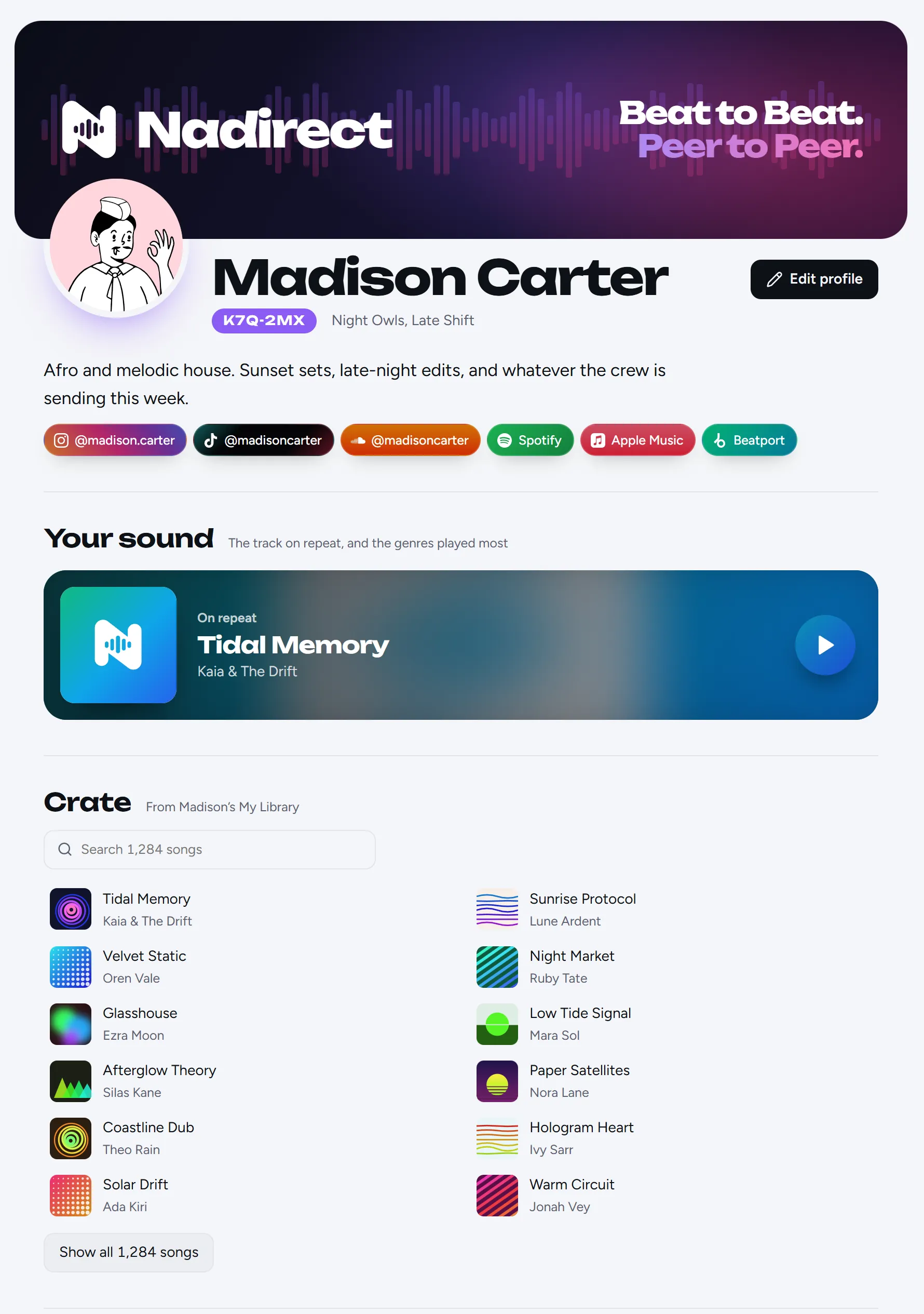
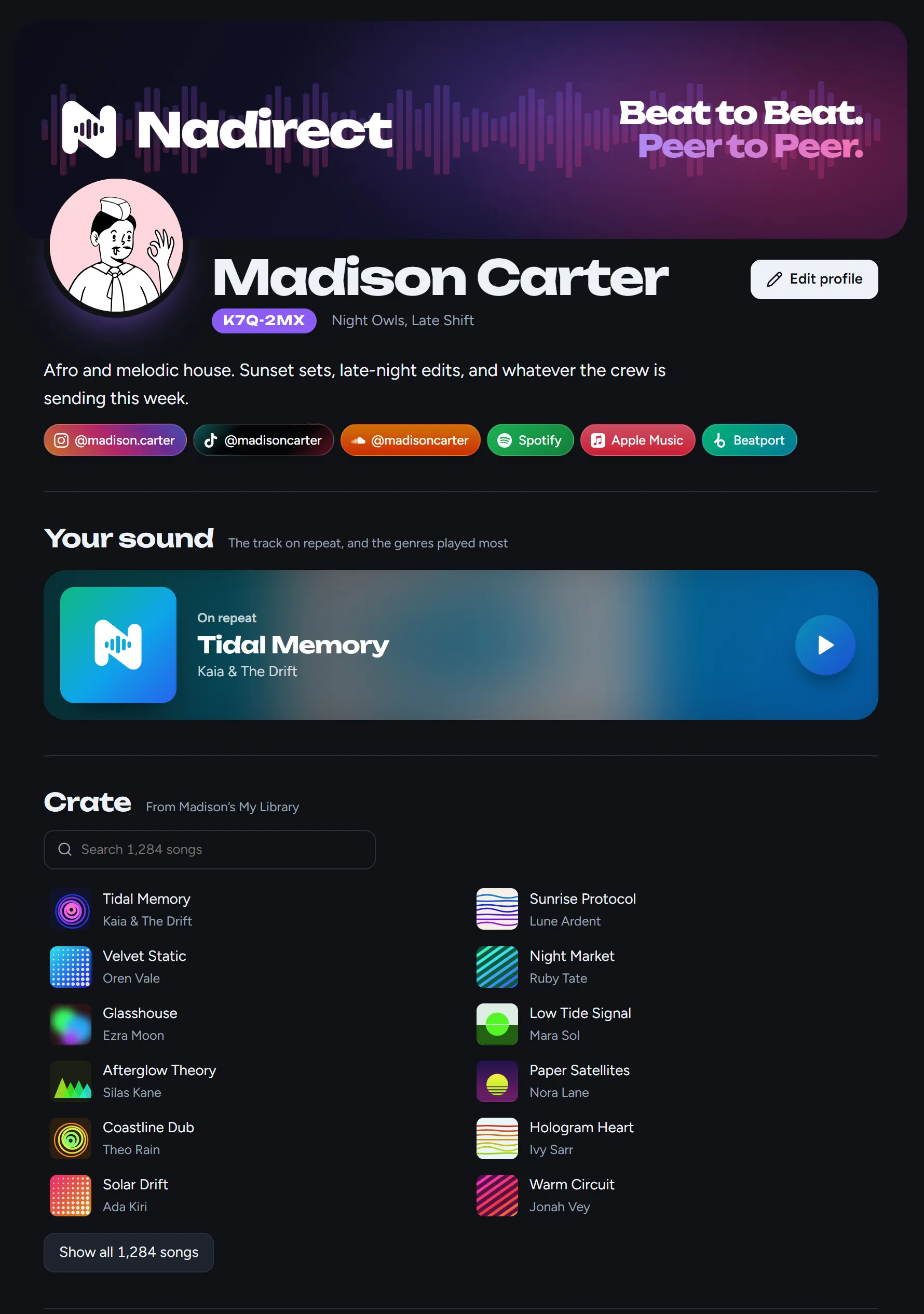
Your socials, the track you have on repeat and your crate, on one page. The files stay with you, and friends ask for a track straight from it.
Straight from
computer to computer.
Leo adds a song.
It lands in the right genre, and everyone in the crew sees it arrive.
Ava gets it straight from Leo.
From his computer to hers, encrypted the whole way.
Leo goes offline. The crew still gets it.
Everyone who has the song shares it. The more of you have it, the faster it spreads.
Keep what fits
your set.
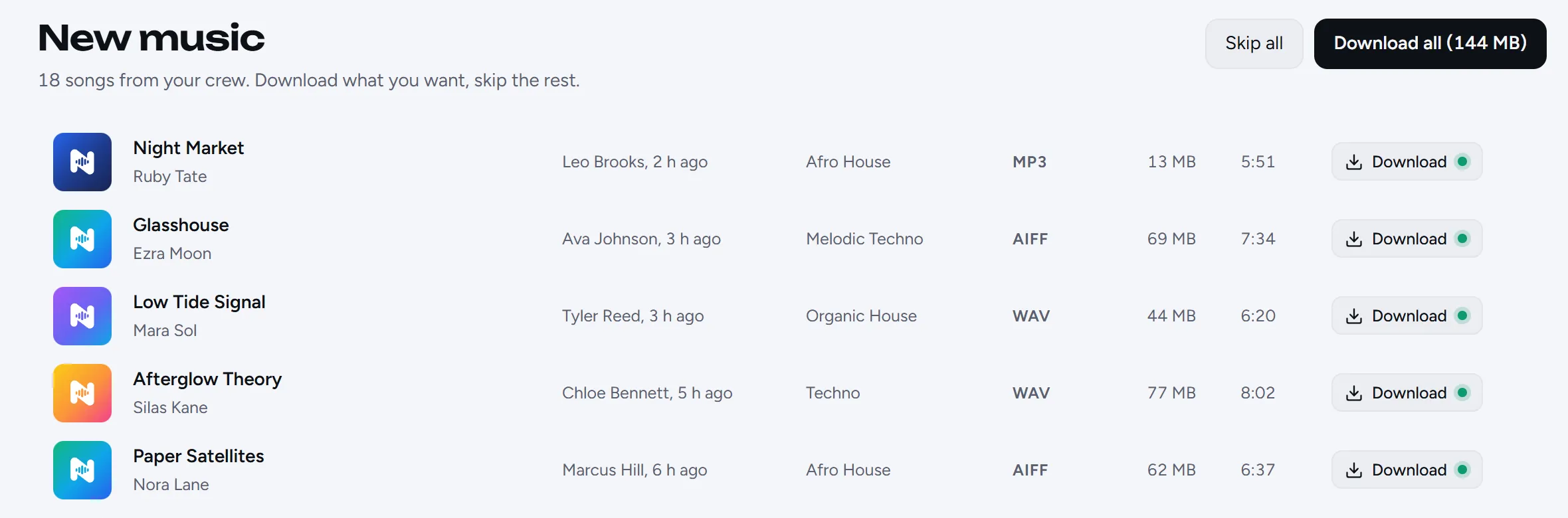
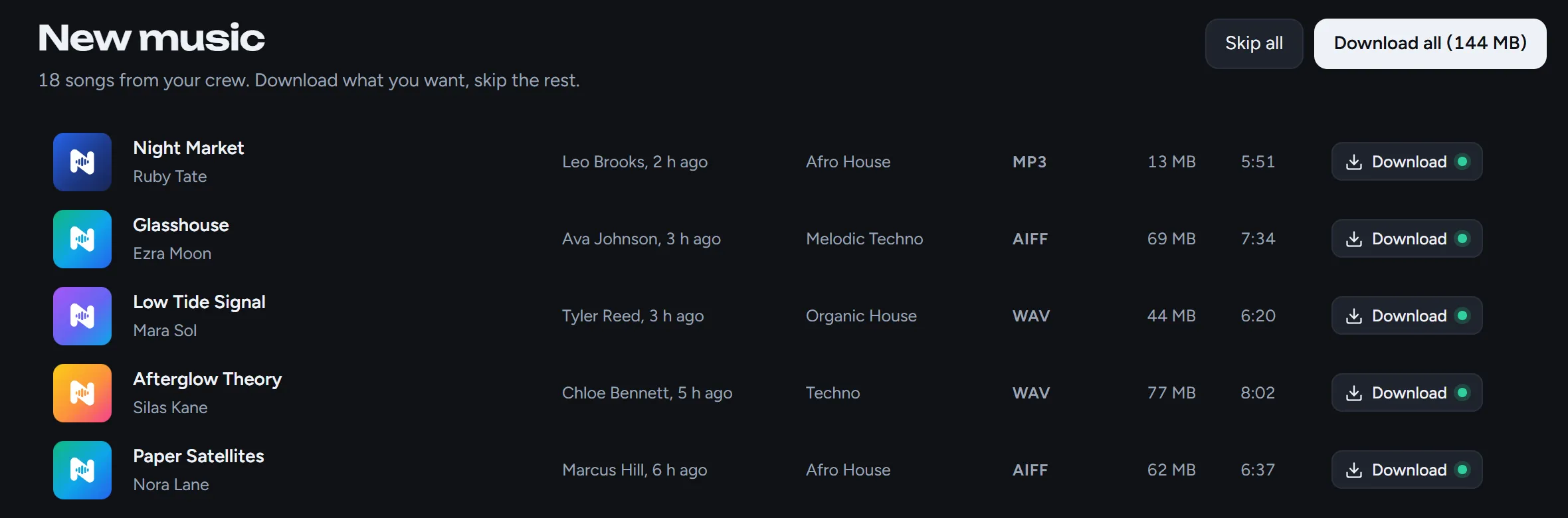
New music from your crew waits in one list. Download what you want, skip the rest, and file it into folders of your own. My Library stays on your computer.
 ✓ Saved✓ Saved✓ Saved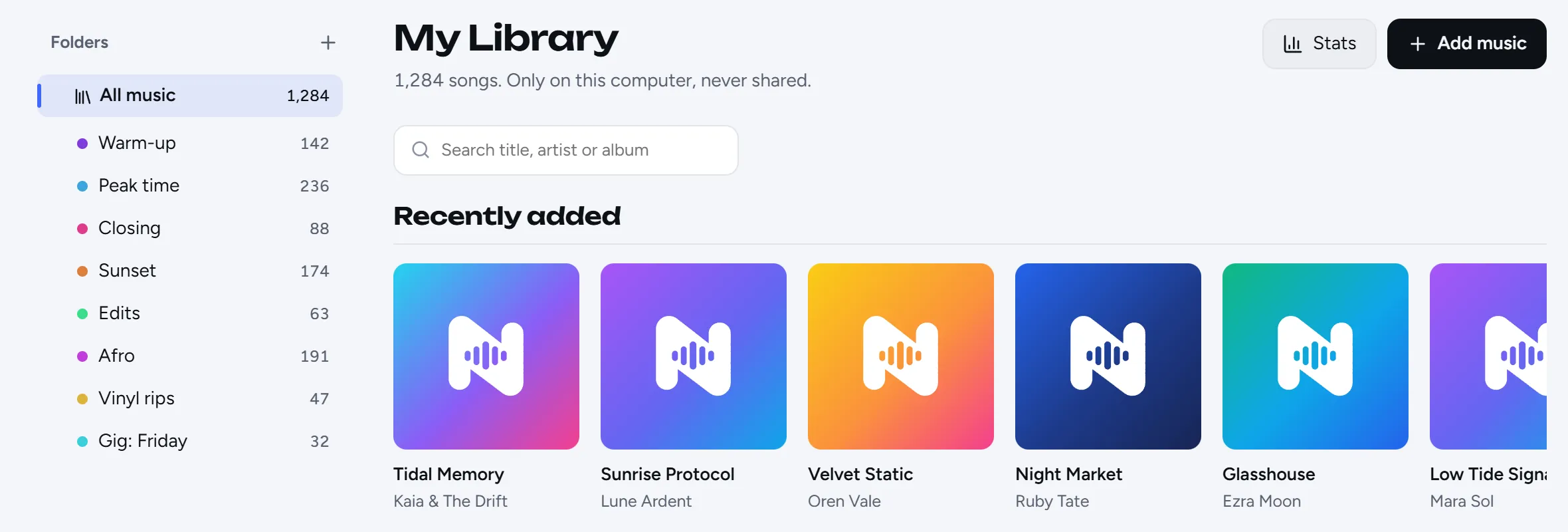
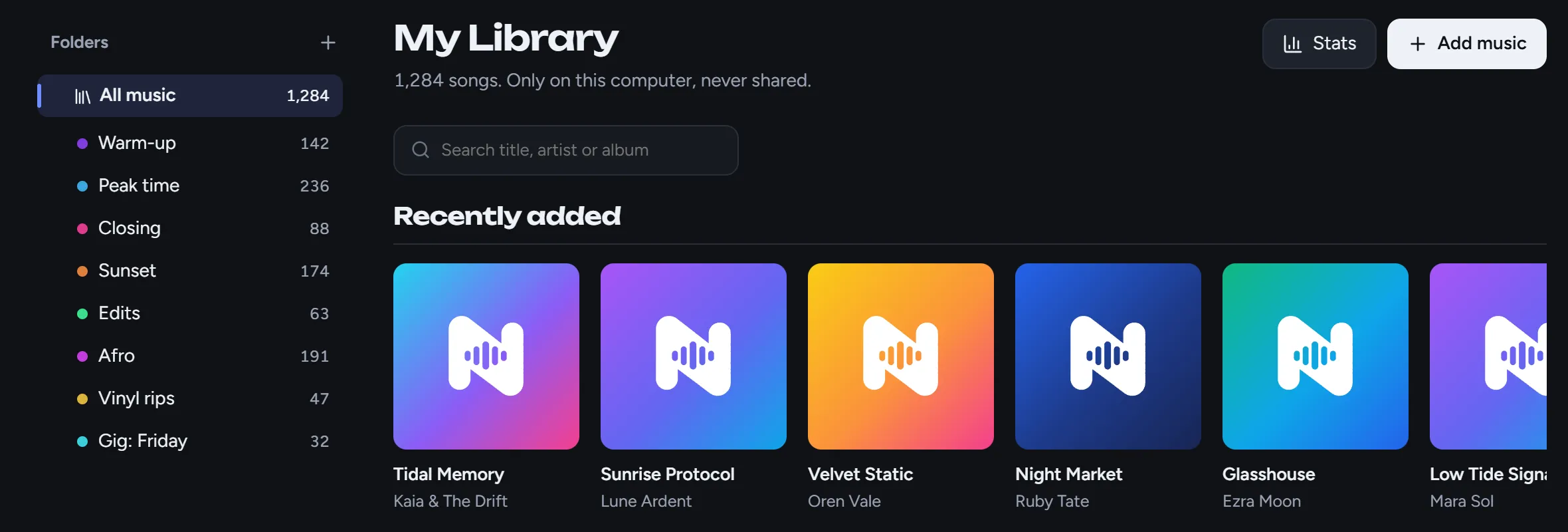 +1+1+1
Your crew. In your pocket.
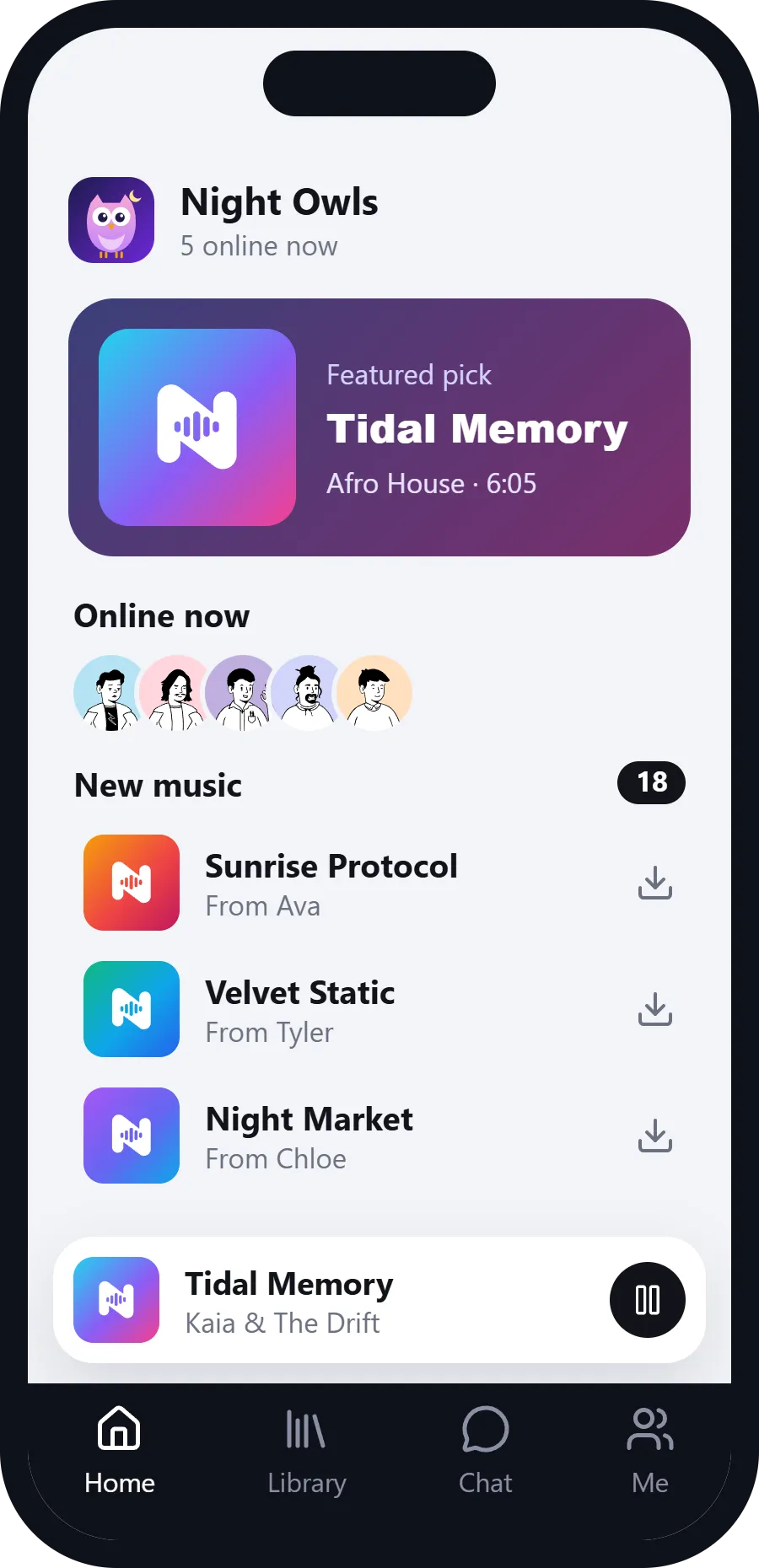
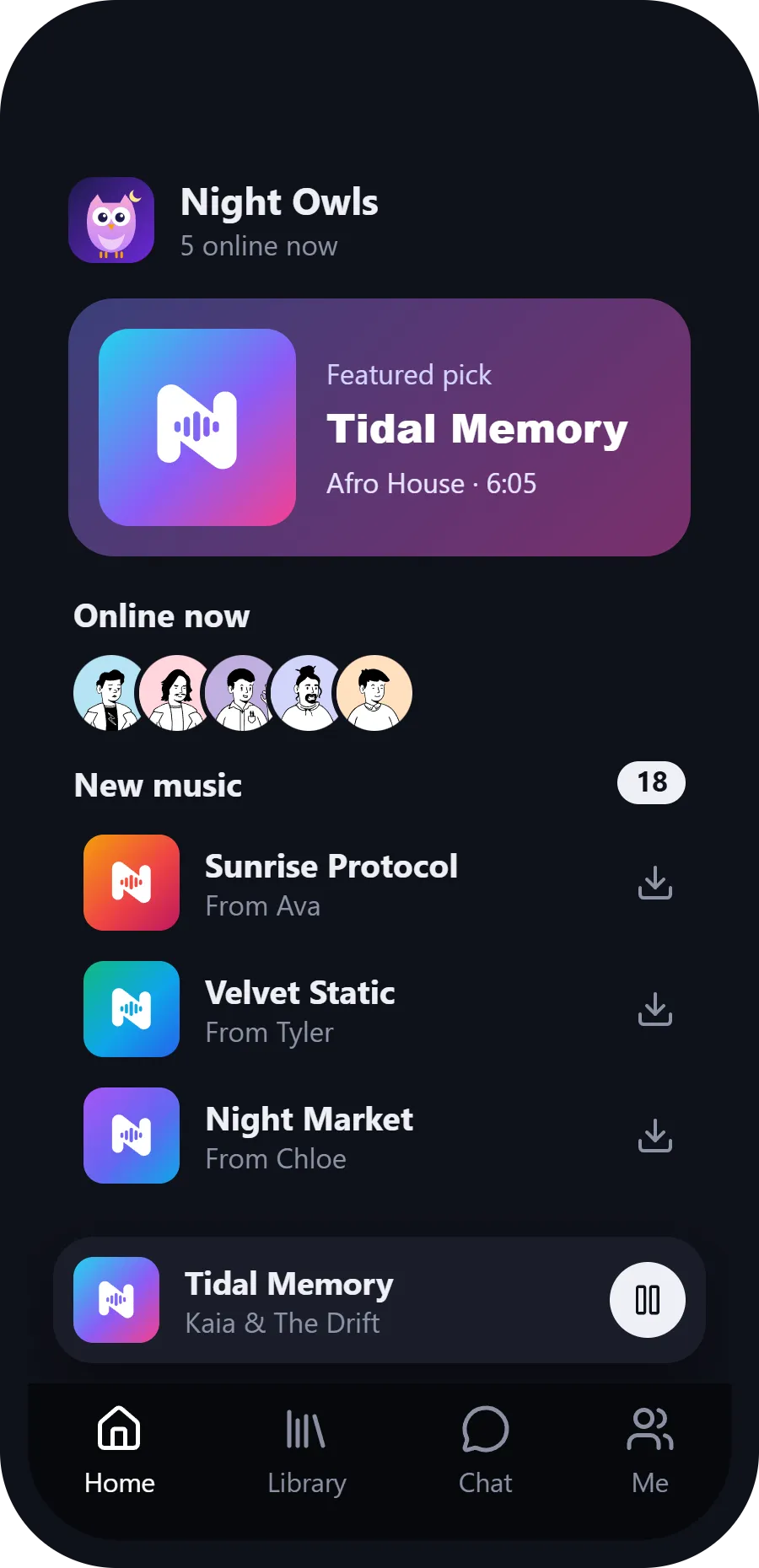
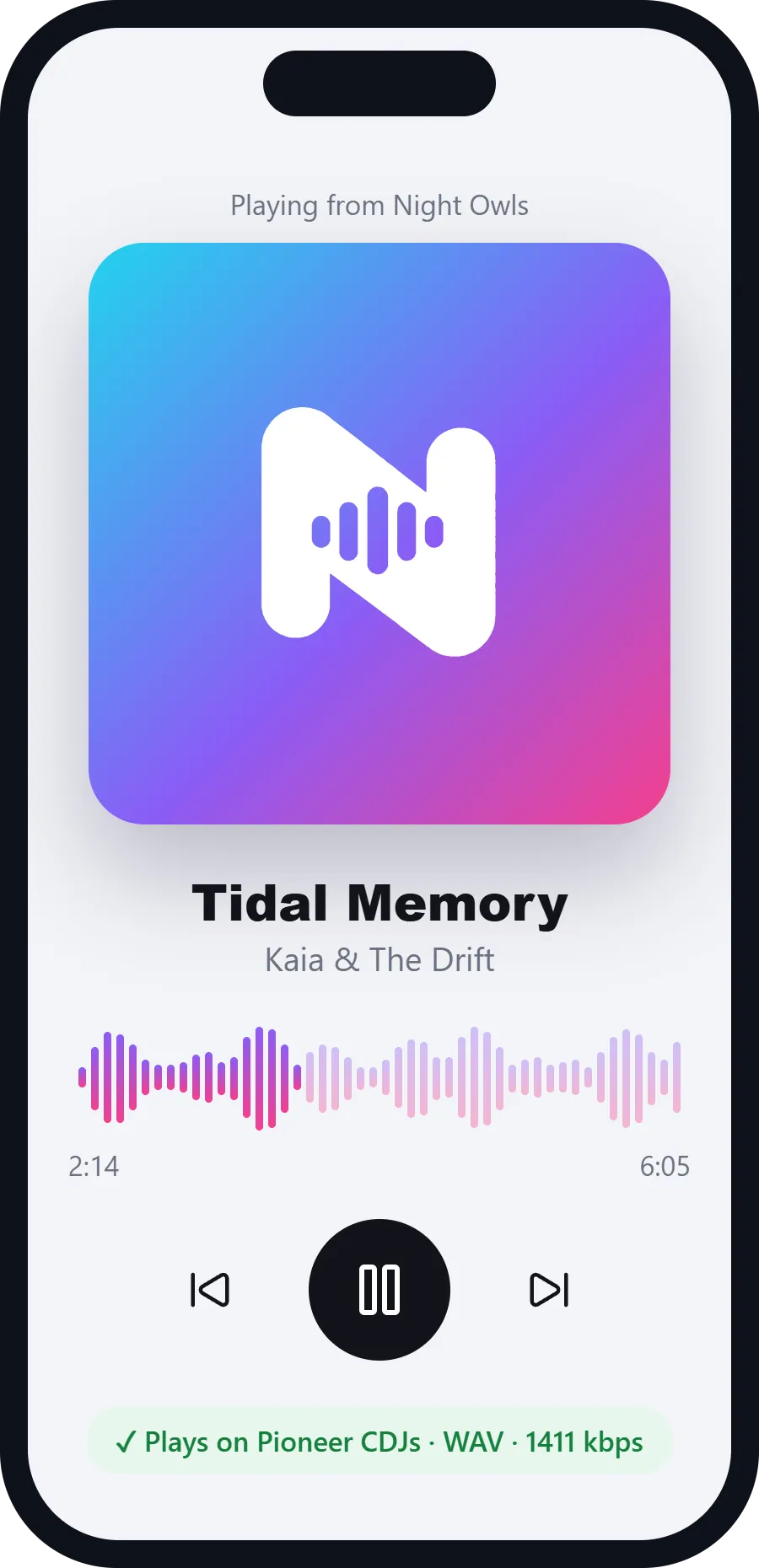
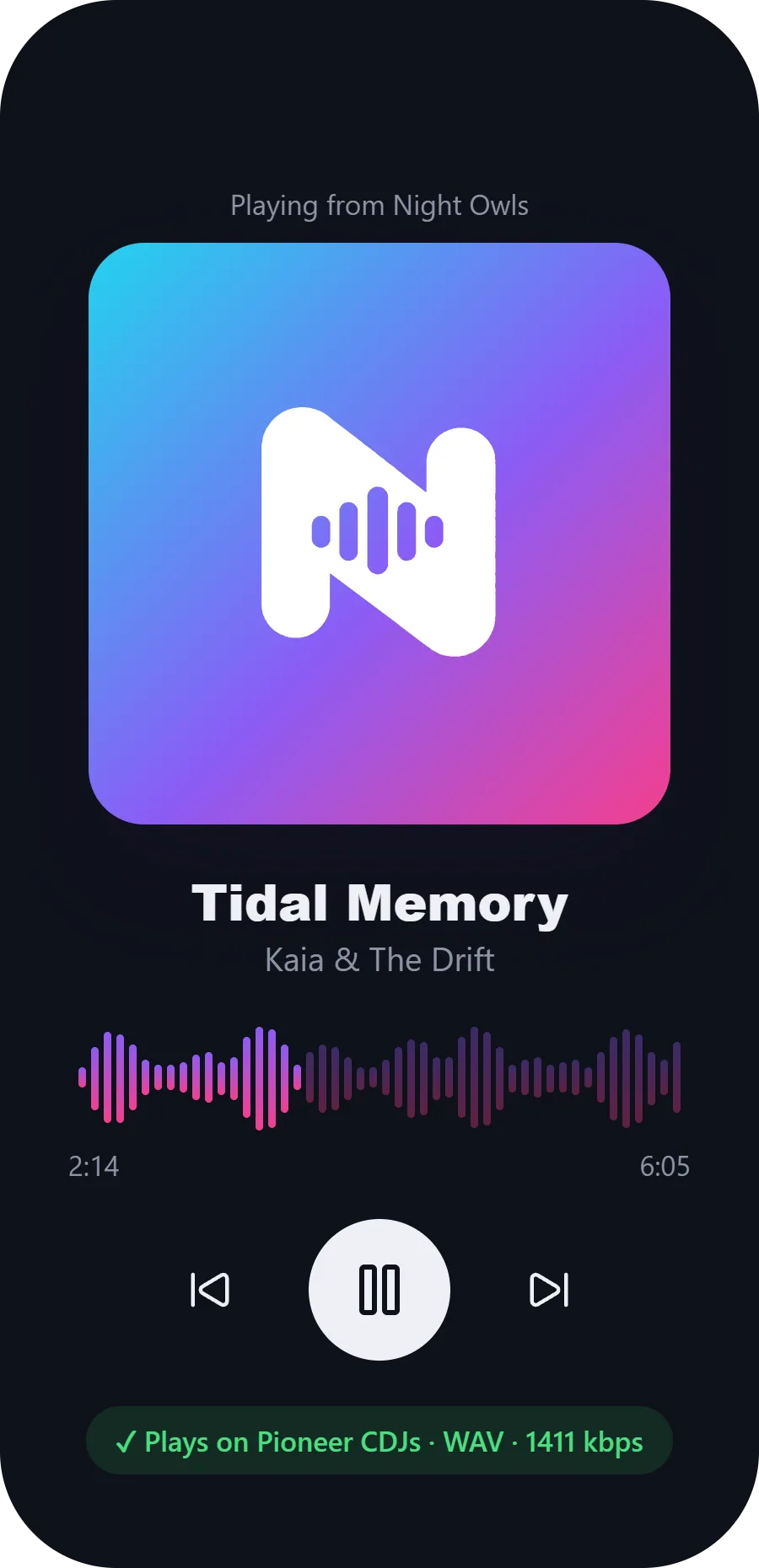
Nadirect for iPhone and Android is on its way: browse the library, play what's new and chat with your crew from anywhere.
Questions
Do my songs go through a server?
No. They go from one member’s computer to another’s. The server only handles friend requests, crate lists and messages waiting for someone who’s offline.
What if the person who added a song is offline?
In a group, you get it from anyone online who has it. A song someone sent only to you comes from their computer, so it downloads the next time you’re both online.
Does it work with Rekordbox, Serato or Traktor?
Yes. Downloads are ordinary files in genre folders, so point your DJ software at them.
Will it slow my internet down?
You decide how much upload to share (2 MB/s to start), how many people can download from you at once, and when. You can pause sharing any time.
Can people outside my group see my music?
No. Only members see the group’s library. Your crate list is only shown if you turn it on, and to whoever you choose.
Is it safe to download songs from other people?
Nadirect checks every file piece by piece against the original, lets through only real audio files, and never opens or runs anything it downloads. Still, only join groups and add friends you know, and download from people you trust.
Who is responsible for the music shared?
Each member, for what they add. Only share music you’re allowed to: your own, music whose licence allows it, or music the owner said you can share.
Opening Nadirect for the first time
Nadirect just isn't signed yet, so Windows and macOS ask you to confirm the first time you open it. After that it opens like any other app.
Windows: if you see “Windows protected your PC”, click More info, then Run anyway.
macOS: if macOS says it can't check the app for malware, click Done, then open System Settings › Privacy & Security, scroll down and click Open Anyway. If it says the app is damaged, runxattr -cr /Applications/Nadirect.app in Terminal and open it again.